
Get more reviews from the Review Us landing page

Salah
Last Update 5 years ago
Getting more reviews for your brand is one of the essential factors to help you achieve your goal in building your online presence. In this article, we will discuss our Review Us landing page and how it will help you generate more reviews.
Review Us landing page is built to help you generate more reviews. This is the main page that your customers will see once they click the review invitation link. This landing page is where your customers can rate you, select the review sites where they want to post their reviews, and send you private feedback in case they wish to address their concerns privately. You can set up your Review Us landing page by clicking "Landing Page" from your dashboard's menu and select "Review Us page."
You can set up your landing page using the following options:
Funnels:
This option allows you to select how your customers will see the review sites that you've added. It's either you directly show them the sites by using the Review Sites funnel or base it on your customer's satisfaction through Thumbs, Stars, or Faces funnel.
Review sites:
This option will show the review sites directly on the landing page.
Thumbs:
On this funnel, your customers can rate you either using a thumbs up or down button. Your review sites will be shown directly if the customer clicks thumbs up, and you can take private feedback if the customer clicks thumbs down.
Stars :
This funnel shows stars from 1 - 5. Your review sites will be shown directly if the customer clicks 4 or 5 stars, and will prompt the customer to fill out a private feedback form if they select 1 to 3 stars.
Faces:
This funnel shows happy, neutral, or sad faces. Your review sites will be shown directly if the customer clicks the happy face, and will show the private feedback form if the customer selects a neutral or unhappy face.
Location:
Use this funnel when managing a business with multiple locations. This option will show all your locations as buttons and will direct your customers to each location's landing page.
Note: In compliance with the review site's terms and conditions, the customers will still see an option to review your business even if they click a negative or neutral rating.

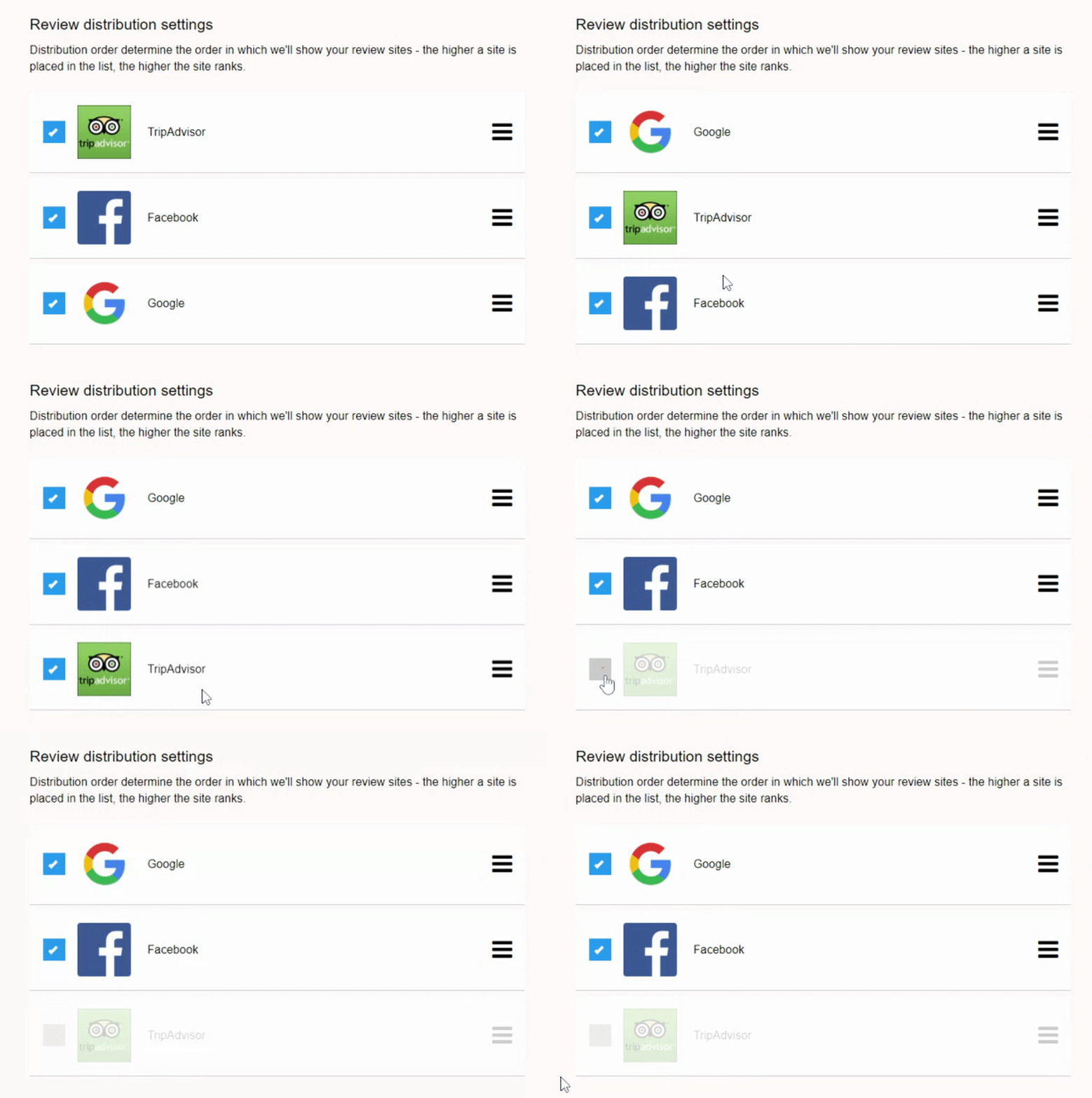
Review Distribution Settings
This is the setting where you can set the order on how the review sites will be shown. The higher a site is placed in the list, the higher the site ranks. This is also where you can enable or disable a review site from being added as an option to your Review Us landing page.
Widgets
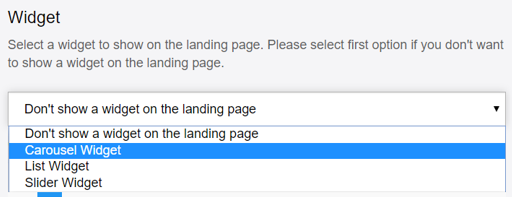
Aside from your website, you can also show off your reviews on your landing page by adding a review stream. This will help you share the reviews or feedback that you received from your other customers. You can enable this by selecting the widget that you'd like to show.
Custom Fields
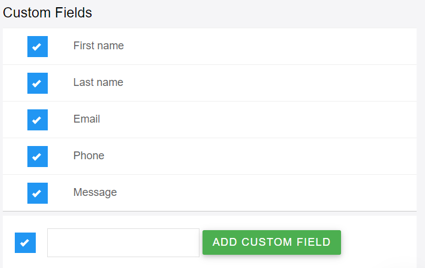
If you want to gather more details when a customer fills out a private feedback form, then the "custom fields" is where you can adjust the information that your customer needs to fill out. You can add more questions should you wish to gather more details.
Customizing your landing page
Your account manager is usually the one who sets up your landing page link. Just in case you've decided to do some modifications, you can edit your landing page by visiting the landing page directly. You will see a blue pencil icon in the top left corner which will open the page editor. Once you're happy with the changes, don't forget to click the green tick mark to save it.
