Show off your reviews on social media

Salah
Last Update 5 tahun yang lalu
Social media presence plays a very big factor in helping businesses build their reputation. The good news is, showing off your reviews is not only limited to your website. You can connect your social media accounts such as Facebook, Twitter, and Google posts to keep your followers updated every time a customer leaves a review.
In case you want to view the settings, you can do so by going to Reviews -> Social Sharing and select the platform where the reviews are being shared. The Social Sharing feature includes the following settings:
- Sharing to Facebook, Twitter, and Google Posts - This gives you the flexibility to choose the social media site where you will be sharing your reviews.
- Advanced timing functionality - This will allow you to set the frequency and the when you would like to share your reviews. You can also set this to mirror your follower's timezone for better engagement.
- More template variables (like review URL) - This provides you easy access in personalizing your post without the need of doing it manually.
- Exclude reviews without text - In case you don't want to share reviews with no text, this option will allow you to share more relevant reviews that can help your followers and potential customers.
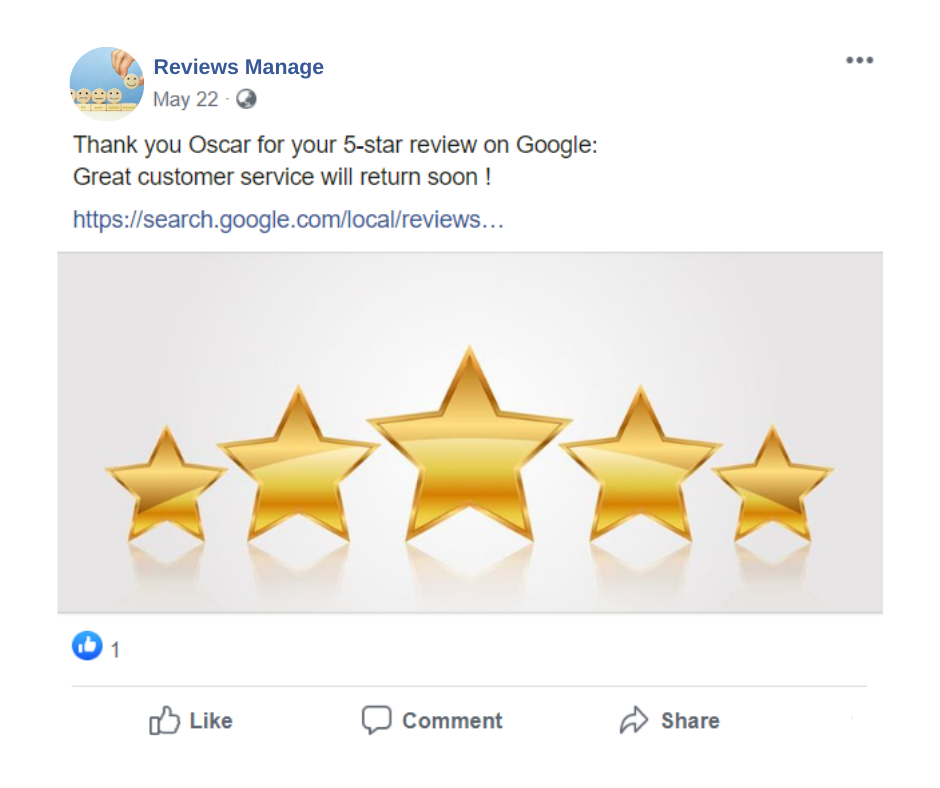
- Post images - Photos can now be uploaded to your social sharing settings. This makes your review sharing more personal. The images will be posted together with your reviews on Facebook, Twitter, and Google posts.
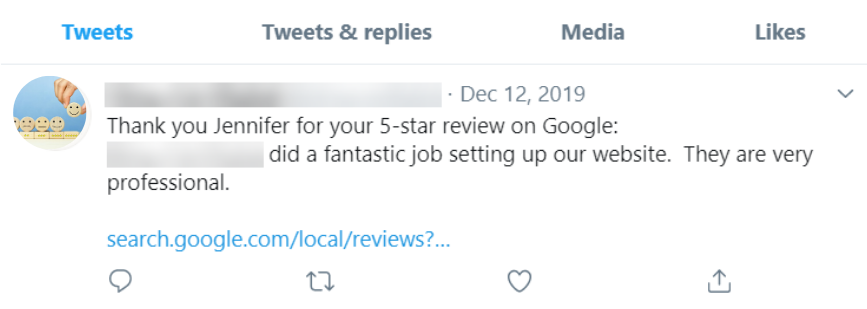
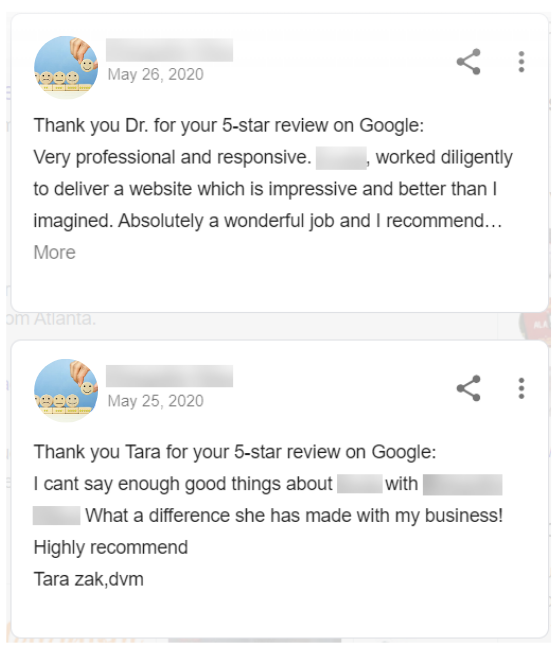
Below are some examples of how your reviews will be posted.